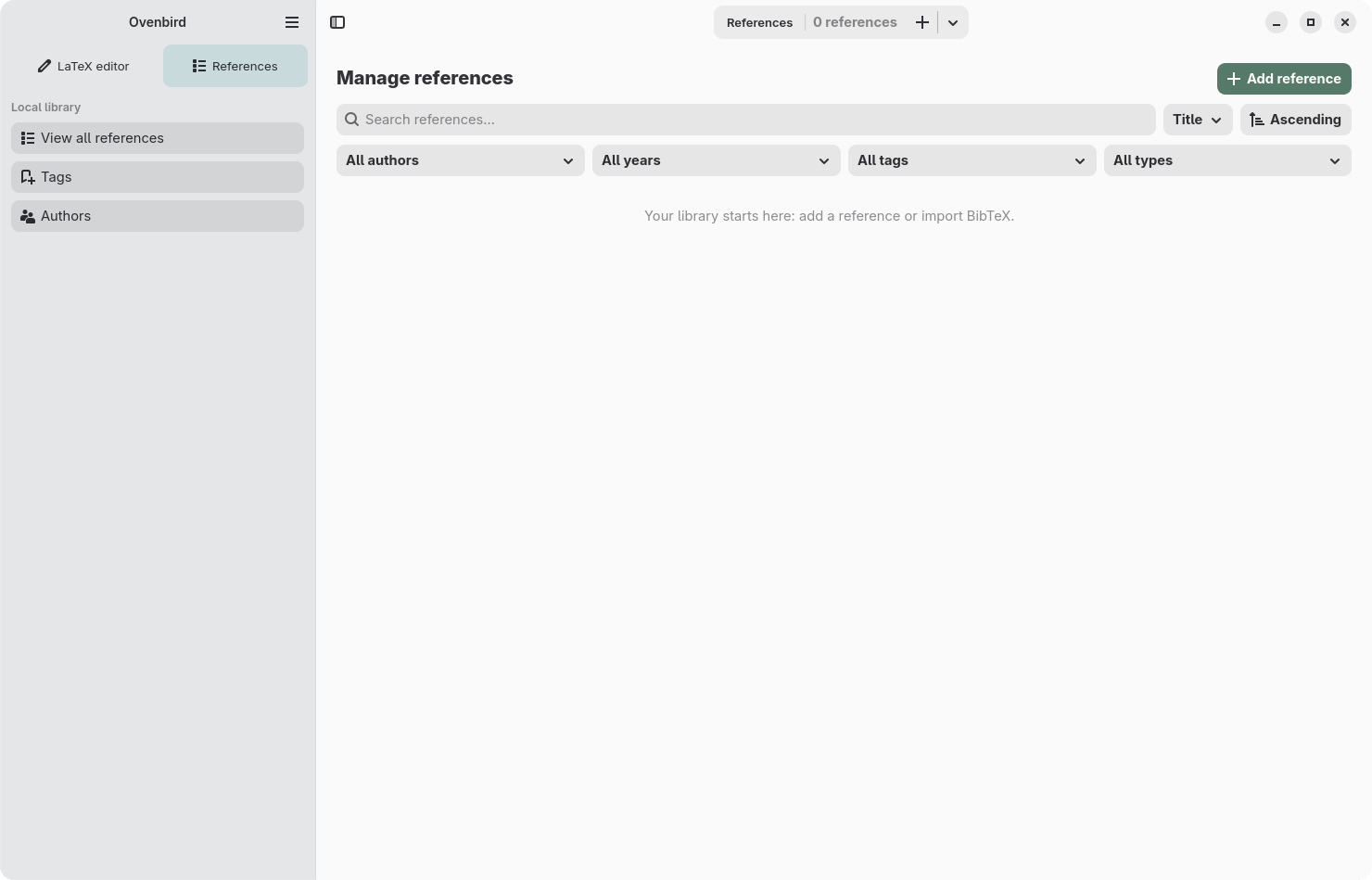
Two modes, one document
Switch between Code and Visual while working on the same LaTeX content. Visual mode helps with common tasks while the original code stays accessible.
 Ovenbird
LaTeX editor and bibliography manager
Ovenbird
LaTeX editor and bibliography manager
Scientific writing · GNOME · LaTeX
Ovenbird brings LaTeX document editing and a local bibliography into one app made for GNOME. Your files remain yours: simple, portable, and free from proprietary formats.
Download the app ↓ Explore the features ↓Version 0.2.0 available
01 · Download
Version 0.2.0 for Linux x86_64 is available to download as a Flatpak.
If Flatpak is not set up on your computer yet, follow the setup instructions for your Linux distribution before installing the app.
Download Ovenbird 0.2.002 · Features
Switch between Code and Visual while working on the same LaTeX content. Visual mode helps with common tasks while the original code stays accessible.
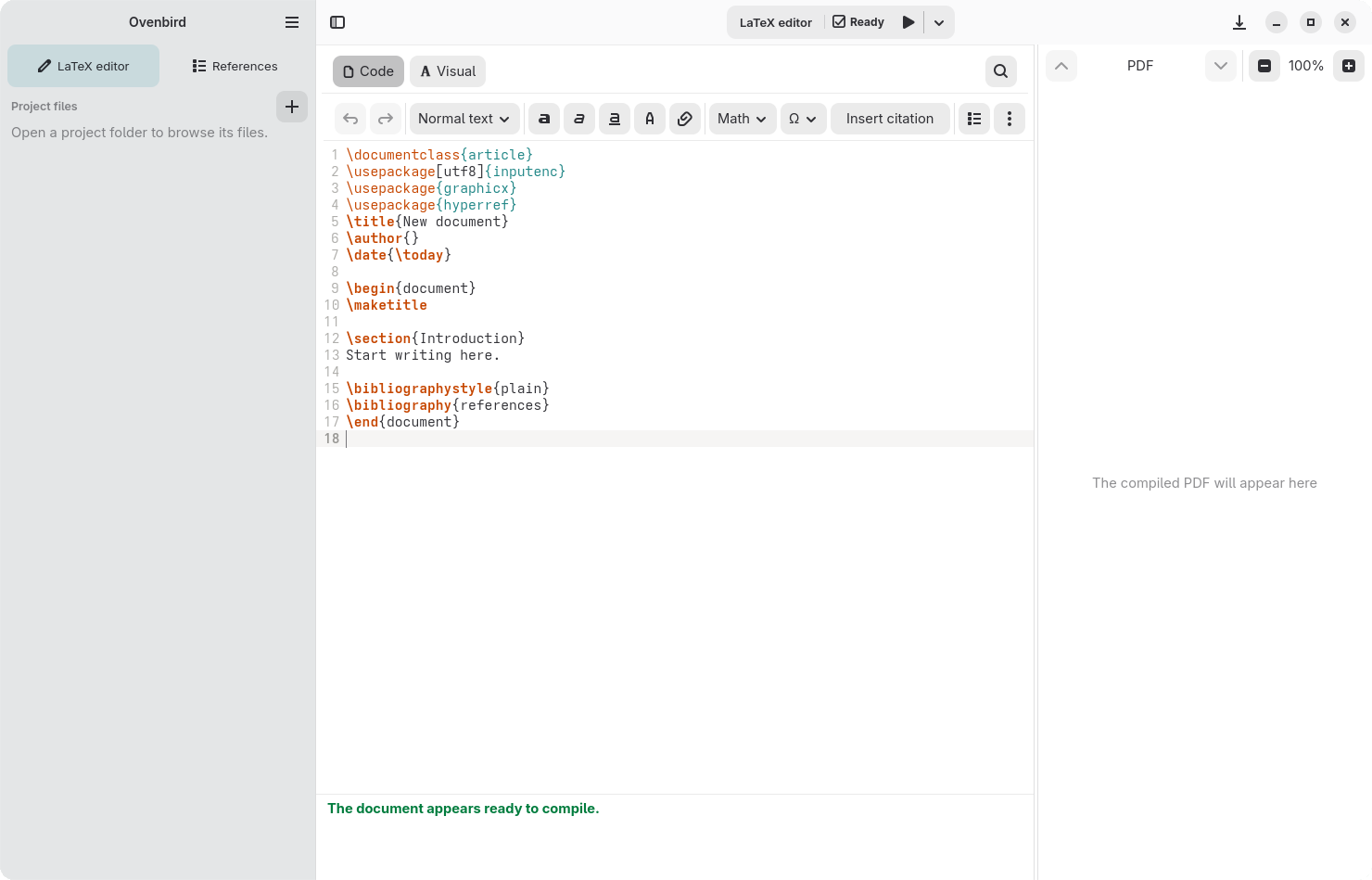
Create, search, and organize references in a library independent from your projects. Add citations to LaTeX documents.
Import .bib files and export your library to share references across projects and tools.
Built with GTK 4 and Libadwaita, designed for Linux GNOME.
03 · How it works
Ovenbird works with familiar formats. Open a document or project folder and keep using your tools.
Your documents are ordinary .tex files, with no closed format.
Open files with the desktop chooser. The app does not ask for unrestricted access to your home folder.
Your library stays on your computer and works offline.

04 · Project creator
I’m a software engineer and researcher. I created Ovenbird to bring LaTeX writing and bibliography management together in a native GNOME app.
Visit my website ↗